
Printable flashcard maker
Make front-and-back flashcards from a word list
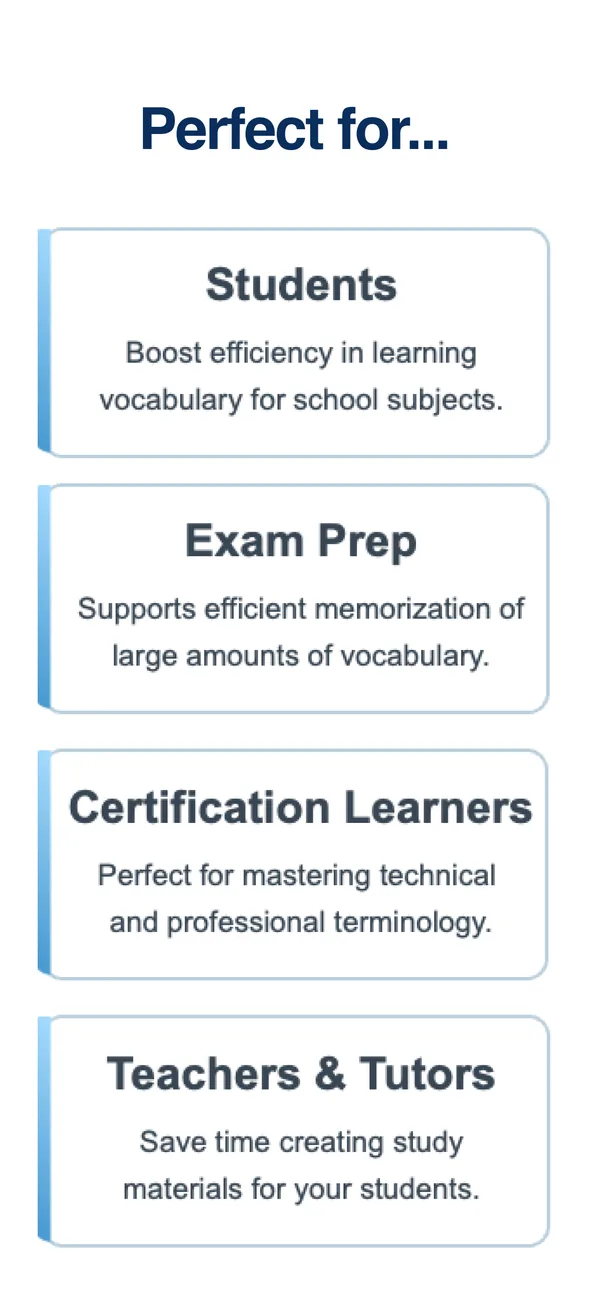
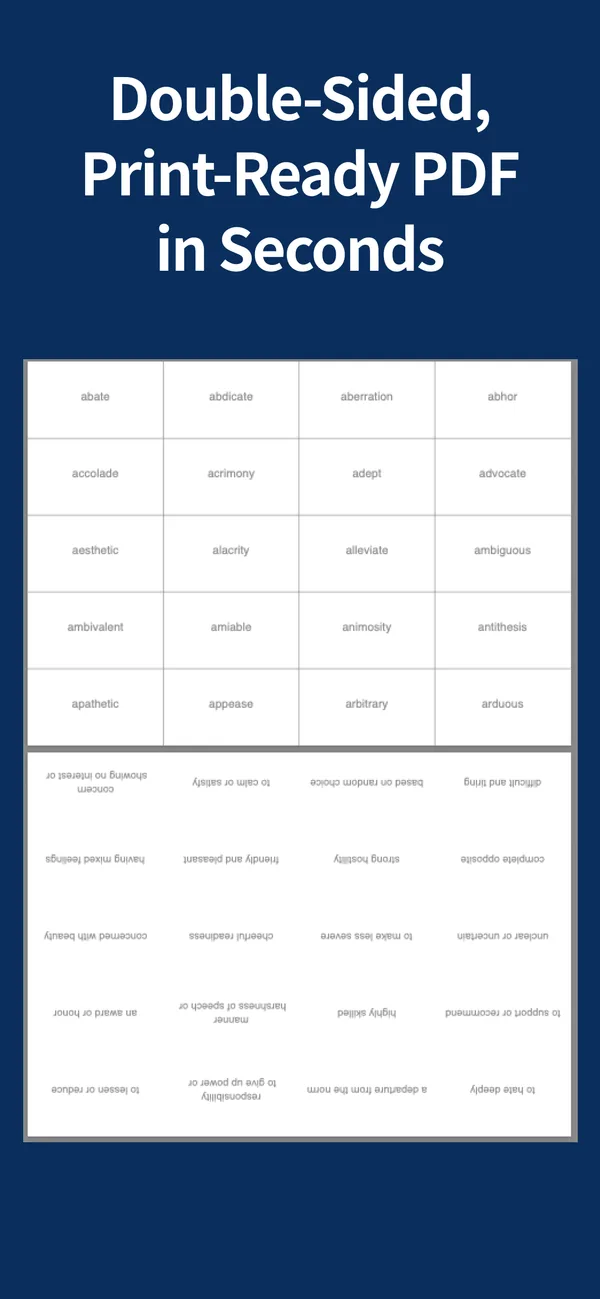
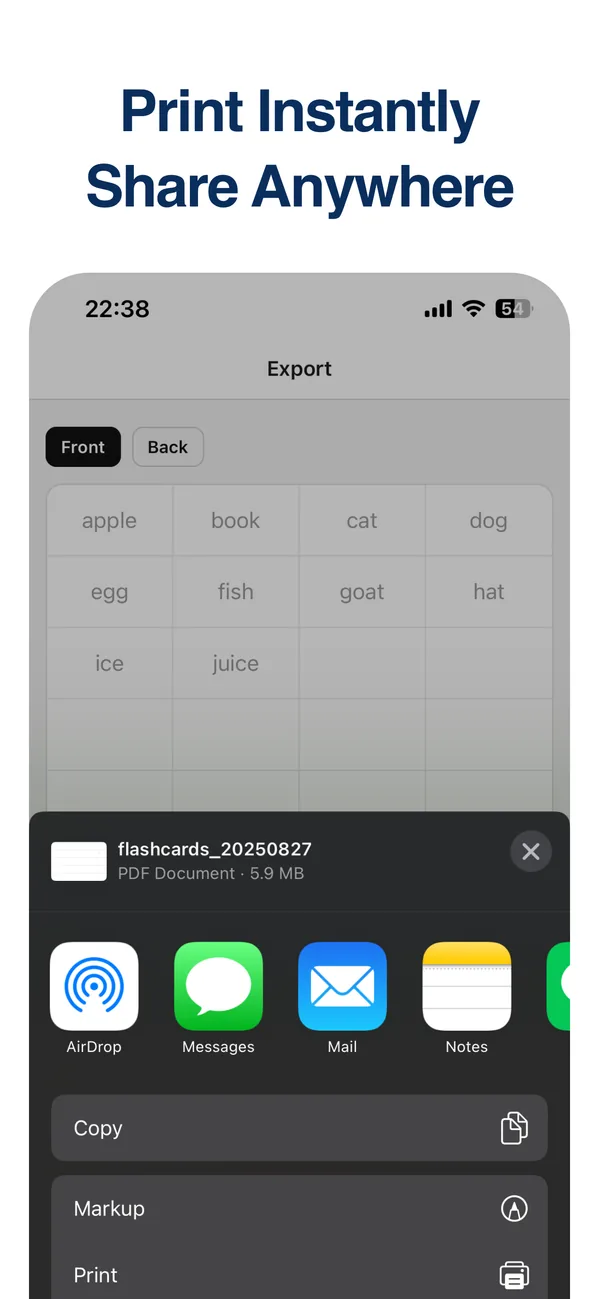
Paste a word list, export a print-ready PDF, and print double-sided flashcards. FlashPrint is made for students, teachers, and language learners who want a simple paper study workflow.
For iPhone and iPad (iOS/iPadOS 15.1+). Free PDFs: up to 10 cards. No account required. Check additional features and prices in the app.
App Store rating (US, checked 2026-11-07): 5 out of 5 from 1 rating. US App Store listing
Try finished PDFs and editable lists first (no app required)
Need blank cards to write on? Download a template
On a computer? Open on your iPhone or iPad

Scan with the camera on your iPhone or iPad. FlashPrint is not a desktop or Android web editor. You can still print the sample PDFs in this browser.
Open the App Store linkPublic version 1.2.44: free PDFs support up to 10 cards. Bulk import is listed as a Pro feature. App Store details (checked 2026-11-07). Check your app version and prices before purchasing.
Open the app demo
See it in action
Explore the interface and features.
How to make printable flashcards
Printable flashcards: common questions
Can I print flashcards front and back?
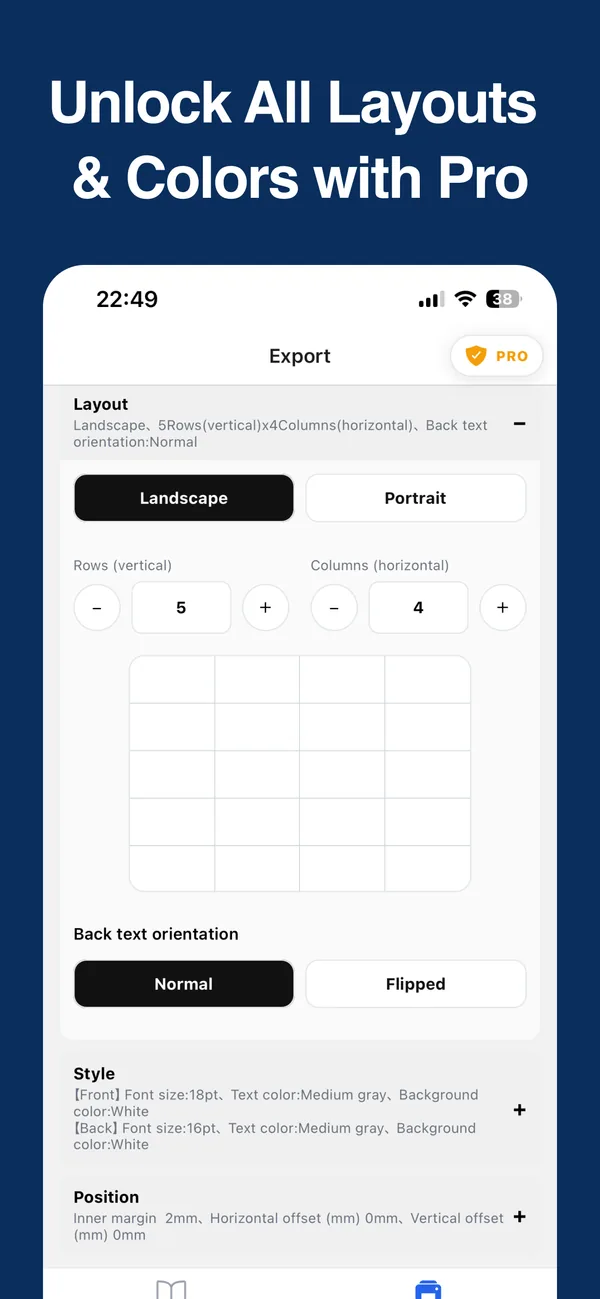
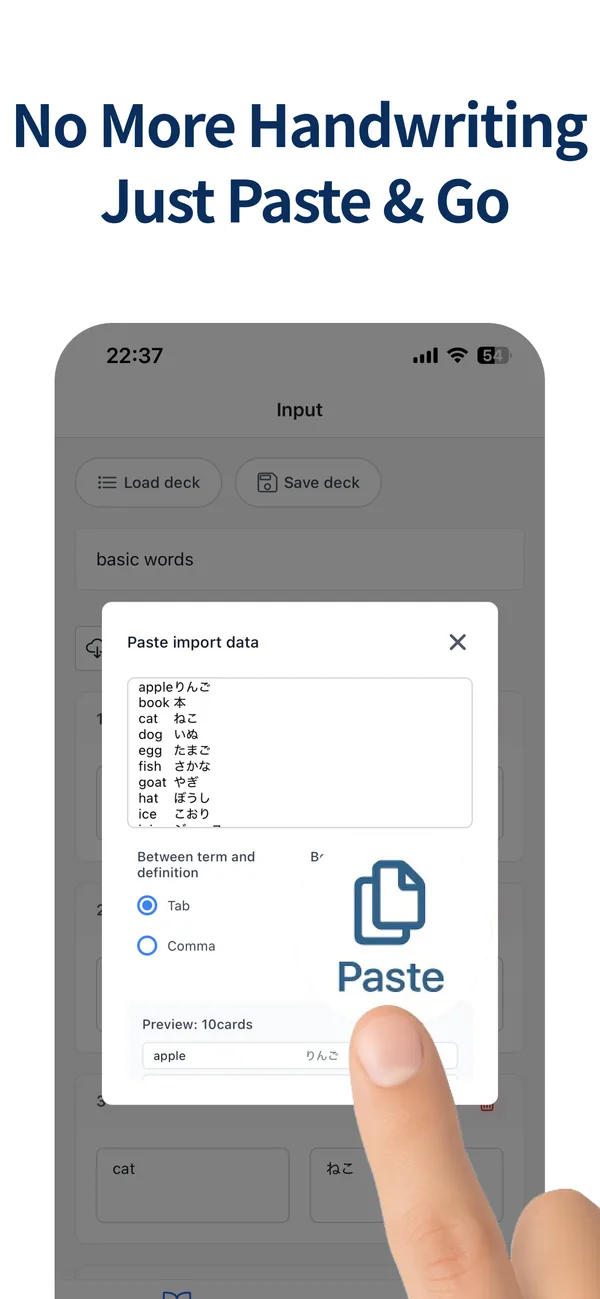
Yes. Put the front and back of each card in two tab-separated columns, export a print-ready, front-and-back PDF, and enable double-sided printing in your printer settings.
What is a printable flashcard maker?
A printable flashcard maker turns your word list into a print-ready, front-and-back PDF. FlashPrint handles card spacing and page layout so you can print and cut the cards without formatting them by hand.
How do I make printable flashcards?
Paste your word list into FlashPrint, choose a card layout, export the PDF, and print it. The app handles spacing and page layout for you.
What can I use printable flashcards for?
Use them for vocabulary, definitions, formulas, questions and answers, or any study set you want to review away from a screen.
Ready to print flashcards?
Download FlashPrint and start studying with paper-based flashcards today.