
Printable Flashcards, Ready to Print
Print flashcards on paper for input and learning
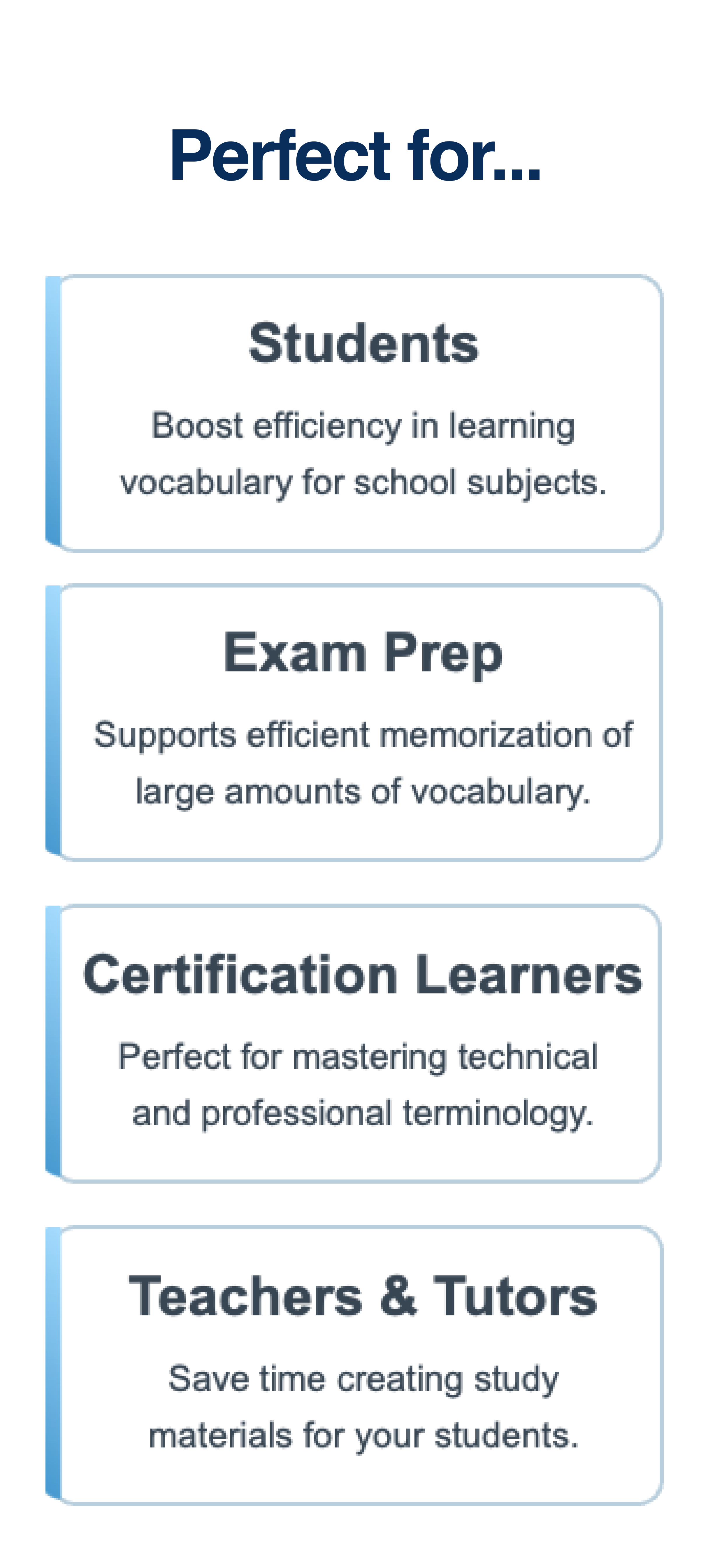
Create printable flashcards from your word lists in seconds. Download FlashPrint to instantly generate and print double-sided flashcards from any list — perfect for students, teachers, and language learners.

See it in action
Explore the interface and features.


How to create printable flashcards
Printable flashcards are cards you print on paper and use for study—vocabulary, definitions, formulas, or any question-and-answer pair. They work because you can hold them, shuffle them, and review without a screen.
Many people want to create printable flashcards from their own word lists: class notes, textbook chapters, or custom vocabulary. The problem is that turning a list into a clean, print-ready layout often takes more time than studying. Handwriting is slow. Word or Google Docs require careful formatting, margins, and double-sided printing. Free PDFs look nice but you can't edit them or use your own content.
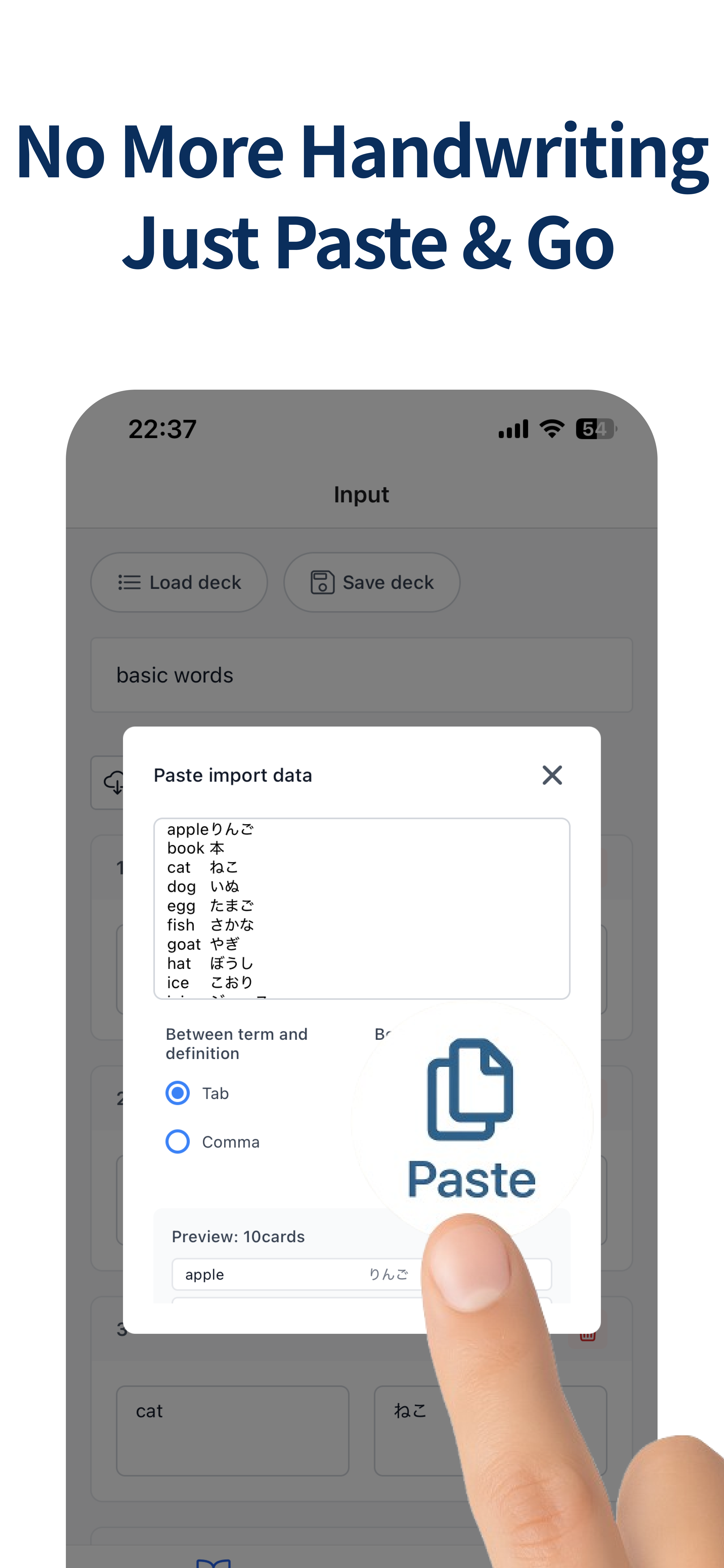
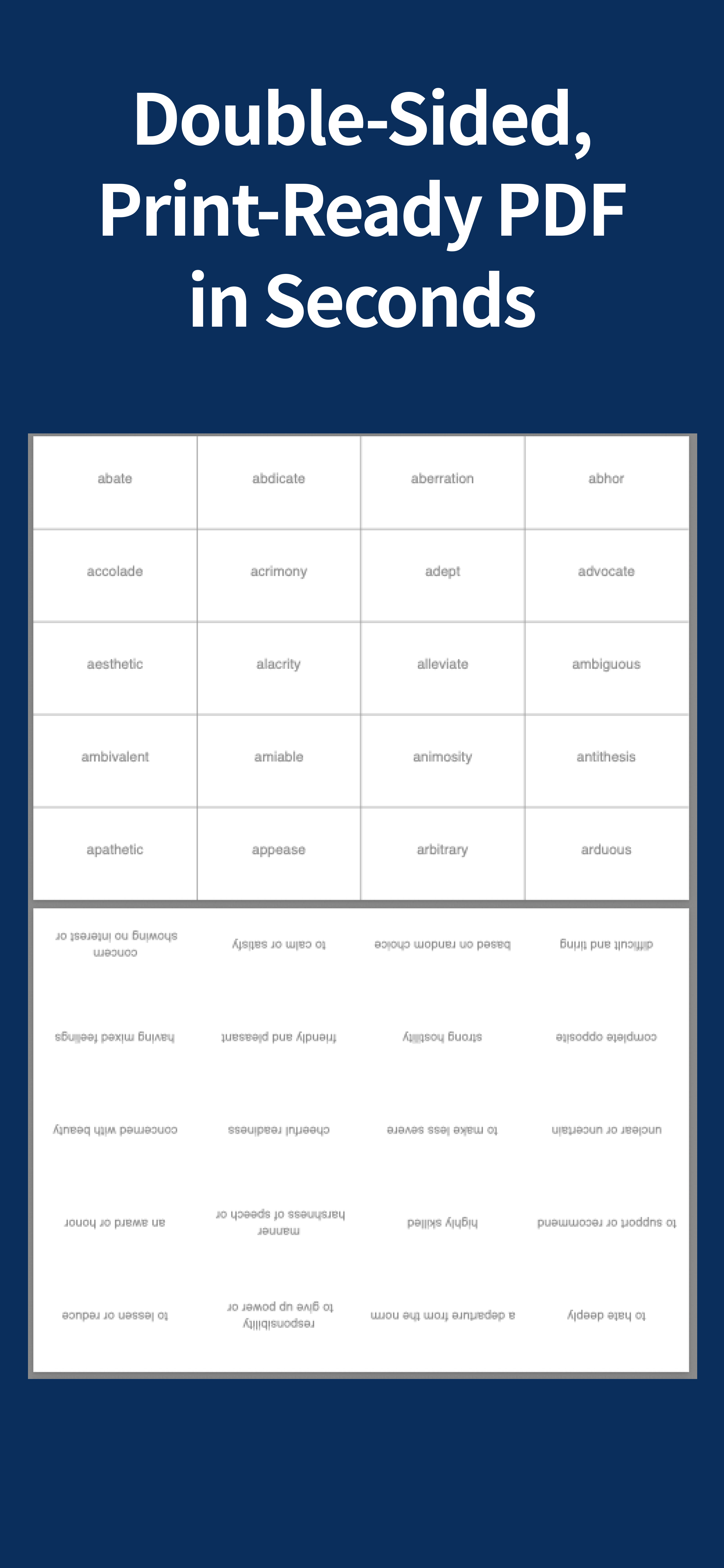
FlashPrint is built for one job: paste your list, choose a layout, and export a PDF you can print. You use a simple format—one card per line, with a tab between the front and back of each card. The app handles the rest: consistent spacing, card size, and page layout. You can print double-sided so each sheet has multiple cards, cut them, and start studying.
This workflow is especially useful if you study on paper to avoid screen fatigue, if you teach and need quick handouts, or if you want to reuse the same set without rewriting. You keep your word list in a note or spreadsheet, paste it into FlashPrint when you need a new set, and get a PDF in seconds. No subscription and no account required—just the app on your iPhone.
For a step-by-step guide and comparison with other methods, read our article on how to create and print flashcards.
Ready to print flashcards?
Download FlashPrint and start studying with paper-based flashcards today.