See it in action
Explore the interface and features.
How to make printable flashcards
Printable flashcards are cards you print on paper and use for study—vocabulary, definitions, formulas, or any question-and-answer pair. They work because you can hold them, shuffle them, and review without a screen.
Many people want to create printable flashcards from their own word lists: class notes, textbook chapters, or custom vocabulary. The problem is that turning a list into a clean, print-ready layout often takes more time than studying. Handwriting is slow. Word or Google Docs require careful formatting, margins, and double-sided printing. Free PDFs look nice but you can't edit them or use your own content.
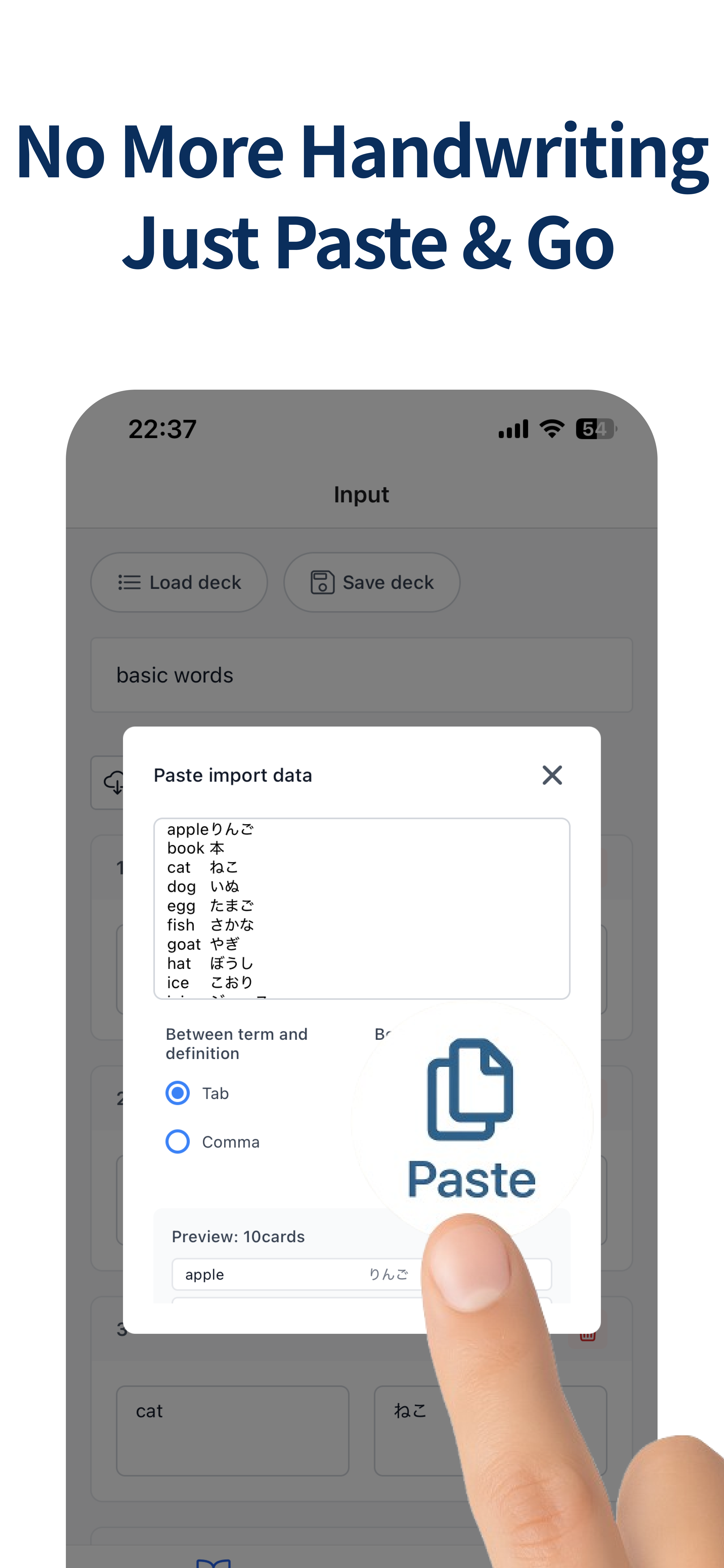
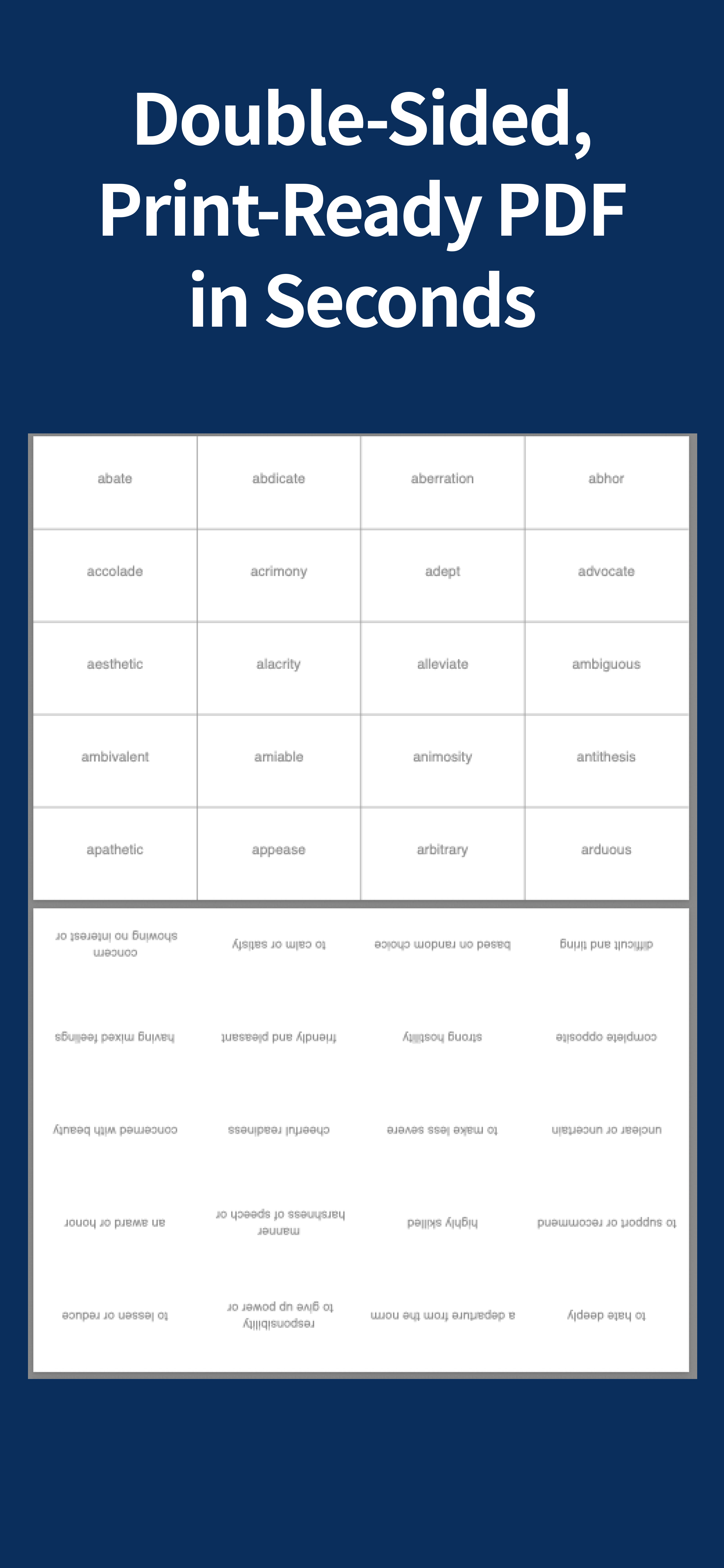
FlashPrint is built for one job: paste your list, choose a layout, and export a PDF you can print. You use a simple format—one card per line, with a tab between the front and back of each card. The app handles the rest: consistent spacing, card size, and page layout. You can print double-sided so each sheet has multiple cards, cut them, and start studying.
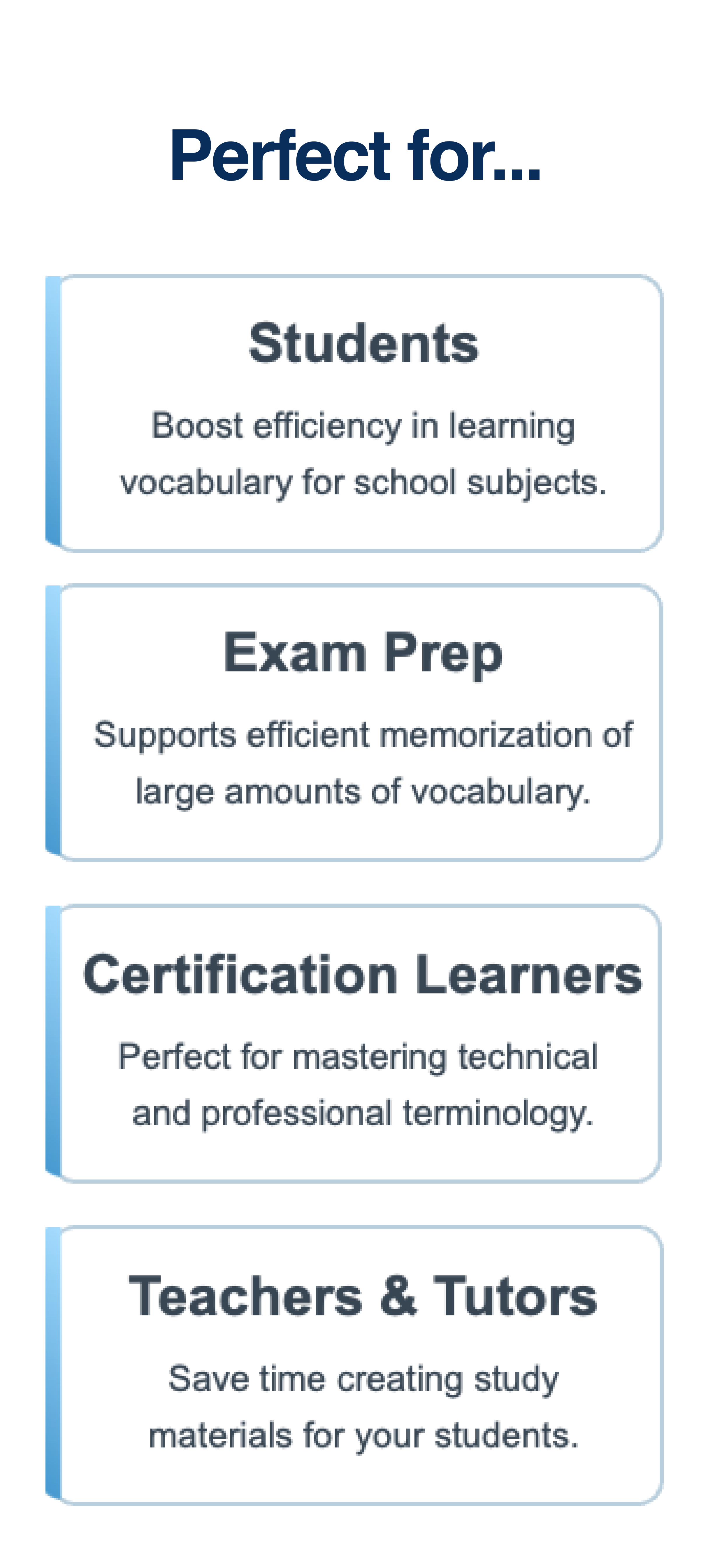
This workflow is especially useful if you study on paper to avoid screen fatigue, if you teach and need quick handouts, or if you want to reuse the same set without rewriting. You can prepare a list in a note or spreadsheet and use it in FlashPrint. The free version supports PDFs with up to 10 cards entered in the app; Pro unlocks bulk import and decks over 10 cards. No account is required to get started.
For a step-by-step guide and comparison with other methods, read our article on how to create and print flashcards.
Printable flashcards: common questions
Can I print flashcards front and back?
Yes. Put the front and back of each card in two tab-separated columns, export a print-ready PDF, and enable double-sided printing in your printer settings.
How do I make printable flashcards?
Paste your word list into FlashPrint, choose a card layout, export the PDF, and print it. The app handles spacing and page layout for you.
What can I use printable flashcards for?
Use them for vocabulary, definitions, formulas, questions and answers, or any study set you want to review away from a screen.